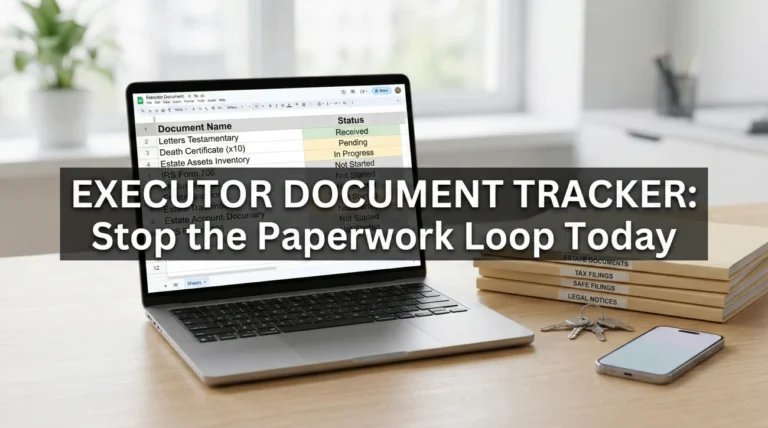
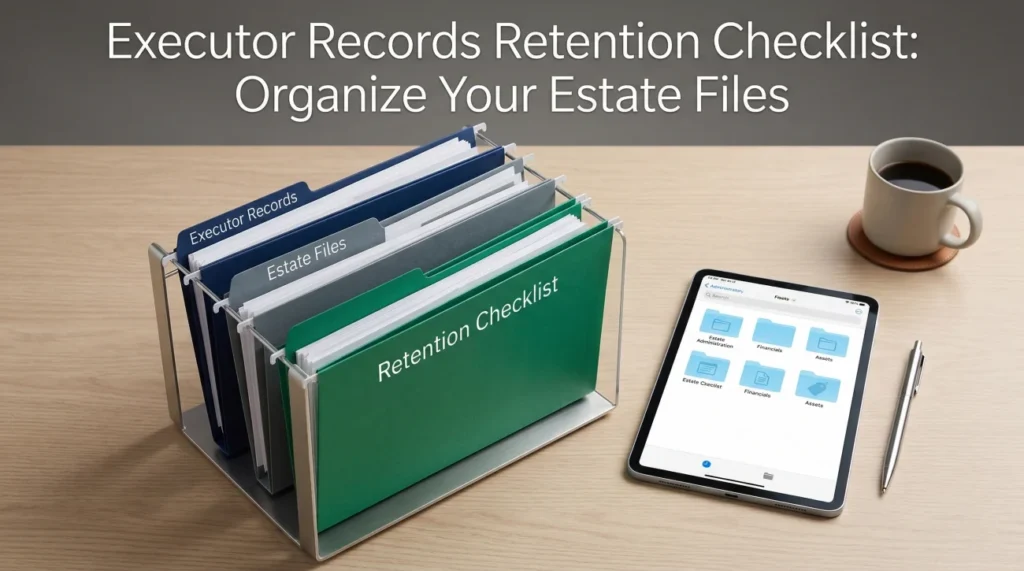
- Build a simple three-folder system: Authority, Assets, and Transactions.
- Never name a digital file “scan_1” – use a consistent date-first naming rule so files sort themselves automatically.
- Keep clear separation between your personal records and the estate’s paperwork to prevent confusion later.
- Always confirm local record retention timelines with a professional in writing before shredding anything.
- Protect sensitive information by storing physical documents in a locked space and using password protection for digital files.
The Reality of Managing Estate Paperwork
When you step into the role of managing an estate, the sheer volume of paper can feel overwhelming. Suddenly, your dining room table is covered in mail, old bank statements, tax notices, and legal documents. In my day-to-day admin work supporting folks through this process, I see how quickly poor executor recordkeeping can turn a manageable task into a highly stressful situation. It is not just about keeping things neat; it is about preserving proof.
I often find that when timelines slip or beneficiaries get frustrated, the root cause is rarely a lack of effort. More commonly, a crucial piece of paper was misfiled, a digital receipt was saved with a confusing name, or an important confirmation was buried in an overflowing email inbox. By setting up the right foundational habits on day one, you build a safety net that protects you, provides clarity to everyone involved, and drastically reduces the chances of having to ask institutions for the same document twice.
The Three Core Folders Every Executor Needs
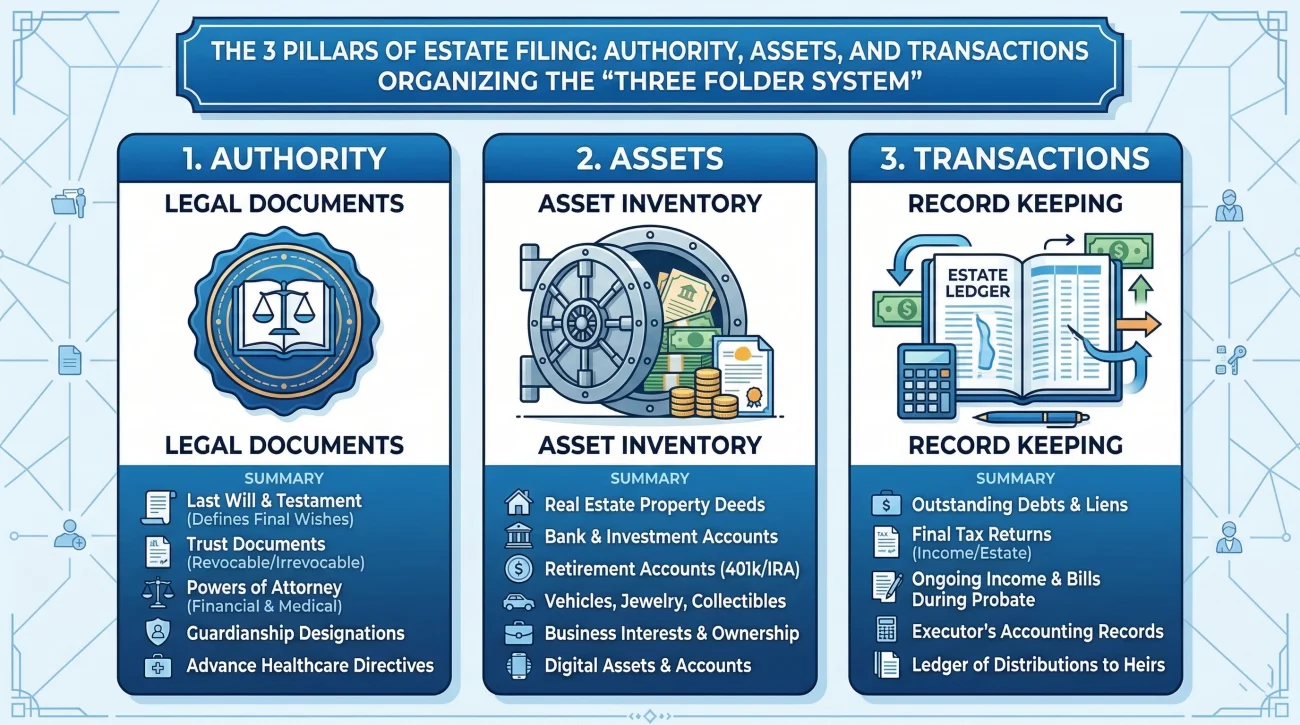
The biggest mistake I see early in the process is the “box of doom” method, where every piece of mail, every receipt, and every official document gets tossed into a single cardboard box. This guarantees hours of frustrating searching later. To avoid this, I recommend setting up exactly three primary folders. You can do this physically with expanding file folders, digitally on your computer, or ideally, a mix of both.
Storing everything in one giant pile or a single computer folder named “Estate Stuff,” leading to endless scrolling and lost proof.
Sorting everything strictly into three categories: Authority, Assets, and Transactions. If it does not fit these three, it likely does not belong in the official estate file.
Folder 1: Authority and Core Identity
This folder is the engine of your administration. It holds the documents that prove who the deceased person was and prove that you have the right to act on behalf of their estate. You will pull from this folder constantly, especially in the first few months when you are establishing contact with banks, insurers, and government agencies.
Items that belong in the Authority folder typically include certified copies of the death certificate, copies of the will or trust documents, any official court appointment papers (like Letters Testamentary, depending on your local process), and the deceased person’s core identification documents, such as a copy of their driver’s license or Social Security card.
Folder 2: Assets and Liabilities
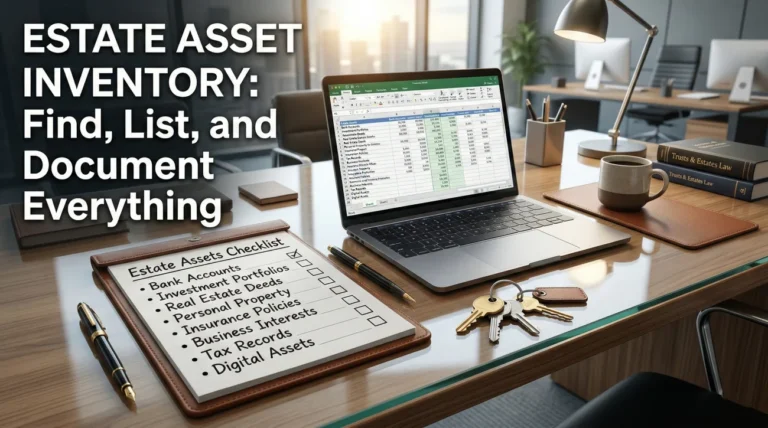
This is where you store the proof of what the estate owns and what it owes. This folder is the backbone of your estate asset inventory checklist. Whenever you discover a new account, a piece of real estate, or a debt, the supporting documentation lives here.
You should keep property deeds, vehicle titles, statements from banks and brokerages (especially the statements covering the date of death), life insurance policy contracts, and any mortgage or credit card statements. I highly recommend creating sub-folders within this category for each specific institution to keep things from getting jumbled.
Folder 3: Transactions and Communications
If the Assets folder is a snapshot of what exists, the Transactions folder is the running movie of what you are doing. This is your operational log. It protects you by proving that you handled the estate’s business carefully and transparently.
This folder must contain every receipt for expenses paid on behalf of the estate, logs of reimbursements, copies of checks written, and critical communications. If you send a certified letter to a creditor, the receipt and a copy of the letter go here. If you pay a utility bill for the estate property, the confirmation goes here.
Breaking Down the Categories: What to Actually Keep
Knowing the three folders is the first step, but knowing exactly what warrants saving is where many people get stuck. It is easy to fall into the trap of either keeping every piece of junk mail or throwing away critical valuation evidence. Let us look at a practical breakdown of what documents typically need to be retained in an estate file.
| Document Category | Specific Items to Retain | Why It Matters for the Estate |
|---|---|---|
| Official Status | Death certificates, court appointment papers, legal notices | Required by almost every institution before they will speak with you or release funds. |
| Financial Baselines | Date-of-death bank statements, investment summaries, appraisals | Establishes the starting value of the estate, which is critical for future reporting and distribution. |
| Property Records | Deeds, property tax bills, homeowners insurance declaration pages | Proves ownership, secures the physical assets, and guides maintenance decisions. |
| Debt & Claims | Credit card balances, medical bills, utility statements | Ensures legitimate debts are tracked and paid in the proper order, preventing surprises later. |
| Expense Proof | Invoices for repairs, receipts for estate supplies, service contracts | Protects you by proving every dollar spent was a legitimate estate expense, not a personal one. |
What You Can Usually Discard
Just as important as knowing what to keep is knowing what clutters the system. While you should always verify with your professional advisor if you are unsure, keeping every single piece of paper is a recipe for a bloated, unusable file system. Before throwing away anything that looks even slightly official, put it in a temporary “Review Later” folder. Here is a breakdown of what usually does not need to stay in your permanent estate file:
| Document Type | When to Discard | Why It Clutters |
|---|---|---|
| Marketing Mail & Catalogs | Immediately | Takes up physical space and has no legal or financial bearing on the estate. |
| Old Utility Bills (Years Prior) | Once the current final balance is confirmed | Unless you are disputing a long-standing charge, only the statements covering the date of death and the post-death administration period matter. |
| Expired Coupons & Junk Mail | Immediately | Adds noise to your physical folders. Be sure to shred anything with the deceased person’s name on it. |
File Naming Rules That Prevent Lost Documents
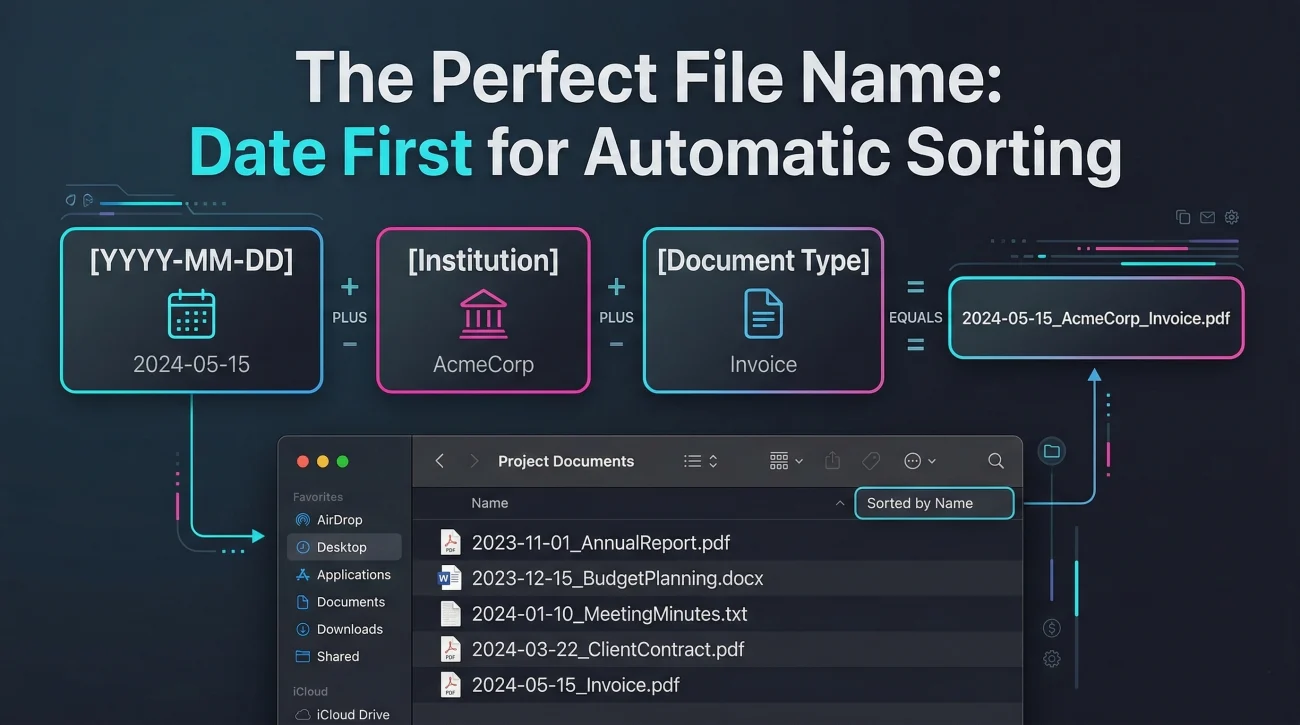
If you are storing digital copies of your estate documents, the way you name those files is just as important as saving them. A common pattern I see is someone taking photos or scanning documents with their phone, resulting in a computer folder filled with files named “IMG_8472.jpg” or “Document_Scan_1.pdf”. When you need to find the December bank statement fast, this naming habit creates a massive roadblock.
You need a naming convention that forces your computer to organize the files for you. Here is the exact format I use:
[YYYY-MM-DD of the document] + [Institution Name] + [Document Type]
By putting the year, month, and day at the absolute beginning of the file name, your computer will naturally sort everything in a perfect timeline. This makes auditing your own work incredibly easy, rather than having to open twenty different files just to figure out which one is the final utility bill.
Examples of good file naming:
    2023-11-05_Chase_Bank_Checking_Statement_Nov.pdf
    2023-12-10_StateFarm_Home_Insurance_Policy.pdf
    2024-01-15_Smith_Hardware_Receipt_House_Repairs.jpg
    2024-02-01_County_Court_Letters_Testamentary.pdf
Handling Versions and Updates
Sometimes you will request a document, receive it, and then receive a corrected version a week later. Never delete the original. Instead, use a version control tag at the end of the file name. For example, add “v1” to the first one and “v2_Corrected” to the second. Keeping the paper trail intact is a core part of safe recordkeeping.
Safe Storage: Balancing Access and Privacy
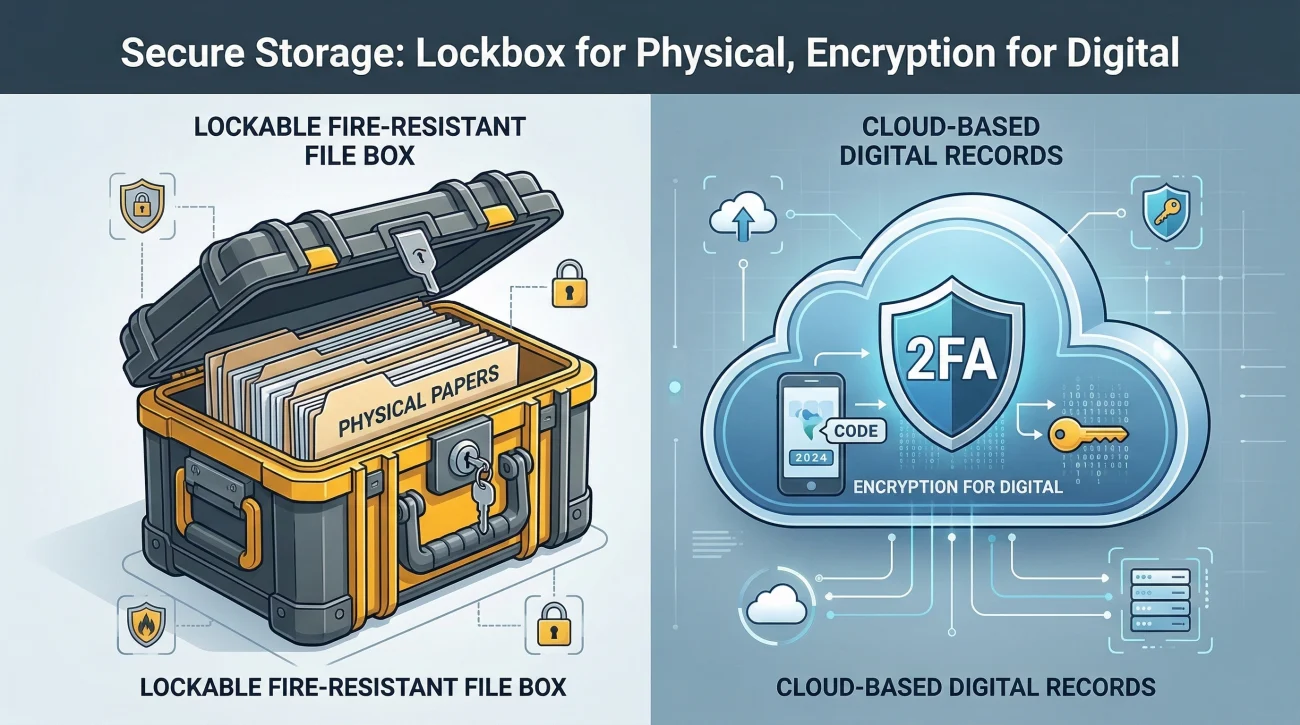
Estate files are full of highly sensitive Personally Identifiable Information (PII). We are talking about Social Security numbers, full bank account numbers, dates of birth, and signatures. You have a responsibility to keep this information secure while also ensuring it is accessible when you need to do estate work.
⚠️ Warning: Never email unencrypted documents containing full Social Security numbers or complete bank account numbers. If an institution asks for this via email, request a secure upload portal or ask if you can fax or mail the document instead.
Physical Document Storage
For your physical paper files, an open basket on the kitchen counter is not sufficient. Invest in a lockable file box or a locking drawer in a filing cabinet. Not only does this protect against casual snooping or theft, but it also protects the documents from accidental spills, pets, or being mixed up with your own household mail. I also recommend keeping the physical files in a temperature-controlled environment, away from damp basements or hot attics, to prevent degradation of the paper.
Digital Storage and Backups
If you are managing files digitally, keeping them only on your laptop’s desktop is risky. Hard drives fail, and computers can be lost. You need a backup plan. Many people use reputable, secure cloud storage services, which allow you to access the files from anywhere and provide an automatic backup. If you prefer to keep things offline, store copies on a dedicated, encrypted external hard drive that you keep in your locked physical file box.
💡 Pro Tip: If you use cloud storage, ensure your account has Two-Factor Authentication (2FA) enabled. This adds a critical layer of security to the digital estate records.
The Big Question: How Long to Keep Estate Records?
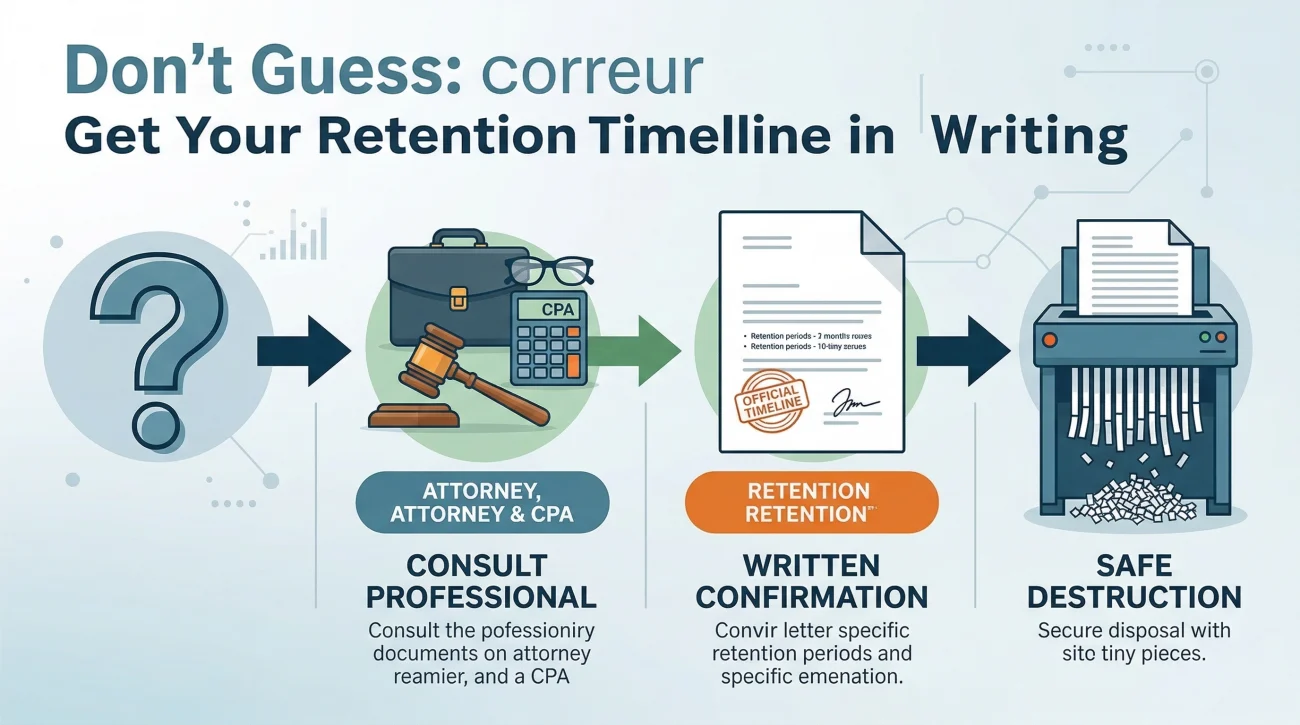
One of the most common questions I hear is, “When can I finally throw all this paper away?” People want a simple, universal answer like “three years” or “seven years.” However, in estate administration, the timeline for how long to keep estate records depends heavily on local regulations, tax filing requirements, and the specific nature of the assets involved.
Because I am not an attorney or a tax advisor, I cannot give you a specific number of years. What I can tell you is the safest operational process to follow: Do not guess, and do not assume standard personal record rules apply to an estate. You need to ask the professionals who are advising you on the estate, and you need their answer in writing.
When the estate administration is wrapping up, use a polite, direct script to get clarity on retention from your professional advisors.
“Hello [Professional’s Name],
As we prepare to close out the administrative tasks for the estate, I want to make sure I handle the record retention correctly. Based on local requirements and the tax filings we have submitted, how long do I need to securely store the physical and digital estate files before they can be safely destroyed?
If you could provide a brief outline of the retention timeline for my records, I would greatly appreciate it.”
The Final Step: Proper Destruction Methods
Once your professional advisor gives you the green light to dispose of the files, do not simply throw them in the recycling bin. Because these documents contain dense personal and financial data, every physical paper must be cross-cut shredded. For digital records, dragging them to your computer’s trash bin is not enough. You must permanently empty the trash, delete the folders from your cloud storage, and wipe any external backup drives you used. Closing out an estate cleanly means leaving no loose data behind.
Final Thoughts on Organizing Estate Files
Building a solid executor records retention checklist is not about doing extra busywork; it is about buying yourself peace of mind. When you have your Authority, Assets, and Transactions neatly separated, and your digital files clearly labeled by date, the anxiety of managing the estate drops significantly.
If an heir asks a question about an expense six months from now, you won’t have to panic or dig through boxes. You will simply open your Transactions folder, locate the date-stamped file, and provide the answer calmly. To start on the right foot, your very next step today should be setting up a dedicated estate email address and physically labeling three blank folders on your desk. Take 15 minutes to establish that boundary right now, and the rest of the process will be much easier to manage.
❓ FAQ
📦 Should I keep original paper documents or are scans okay?
You should always keep the original paper versions of core authority documents, like certified death certificates, the original will, and court appointment papers. For routine receipts and utility bills, clear digital scans are often sufficient, but always confirm with your local institutions before shredding the physical copies.
📱 How do I save text messages about estate expenses?
Take screenshots of the text messages that clearly show the date, the sender, and the context of the expense. Email those screenshots to your dedicated estate email address, and then save them as image files or PDFs in your Transactions folder using the standard naming rule.
🧾 Do I need to keep every single grocery receipt for the estate?
If the groceries were purchased specifically for an estate purpose, such as feeding volunteers who are cleaning out the deceased person’s house, yes. You must keep the receipt to prove it was a legitimate estate expense and not your personal grocery run.
🗄️ What is the best way to store physical estate documents?
The best method is using a lockable, fire-resistant file box or a locking filing cabinet drawer. Use hanging folders for the three main categories (Authority, Assets, Transactions) and interior manila folders for specific institutions.
🗑️ How do I know the exact date it is safe to shred?
You know it is safe when your estate attorney or CPA gives you a specific date in writing. This usually happens after the court formally closes the estate and all tax agencies have issued final clearance letters, but the exact timeline varies too much by local law to guess.
✉️ How should I organize estate-related emails?
Create the exact same three-folder structure (Authority, Assets, Transactions) in your email inbox. Move important emails out of your main inbox and into these folders immediately so you have a searchable, organized digital paper trail.
🏦 Do I need to keep old bank statements from before the person died?
In many cases, keeping the statement that covers the date of death, plus a few months prior, is necessary to establish baselines and check for automatic payments. However, keeping decades of old statements is usually unnecessary unless you are investigating a specific past transaction.
📸 Can I just take photos of documents instead of scanning them?
Photos can work if they are well-lit, perfectly legible, and capture the entire edge-to-edge document. However, using a free scanner app on your phone that converts the photo to a flat PDF is highly recommended because PDFs are easier to read, print, and share professionally.
🔐 How do I share digital records safely with beneficiaries?
Do not email sensitive documents as plain attachments. Use a secure cloud storage link with a password, or put the files in an encrypted ZIP folder and provide the password to the beneficiary in a separate communication, like a phone call.
🏷️ What should I write on physical file folders?
Keep physical labels clear and consistent. Write the Category first, then the specific item. For example: “ASSETS – Wells Fargo Checking” or “TRANSACTIONS – Property Tax Receipts 2024”.
⚠️ Disclosure: I'm not an attorney and nothing on this site is legal or tax advice. The content covers process, organization, and workflow—the operational side of estate administration. For legal interpretation, jurisdiction-specific deadlines, contested situations, or tax matters, please work with a licensed professional in your state.